

Why export before you switch
- Appointments and insurance. Dose dates, weights and side effects are exactly what follow-ups and prior authorization renewals ask about.
- Subscriptions change what you can see. Some apps limit history on a free plan, so export while you still have full access.
- Deleting an app is not deleting an account, and deleting an account is usually permanent. Export first, decide later.
Export formats, explained
| Format | What it is | Best for |
|---|---|---|
| CSV | A plain table, one row per entry; opens in Excel, Numbers or Google Sheets | Keeping and reading your own data |
| JSON | A complete, structured file that machines read easily | A full backup, and moving data between apps |
| A formatted summary for people to read | Clinicians and insurers — not for importing | |
| XML | The format Apple Health uses for its full export | A backup of everything stored in Health |
The switching checklist
- Export every record type from the old app: doses and sites, weights and measurements, symptoms, food, water, notes.
- Save a PDF summary covering your whole treatment, if the app makes one.
- Export Apple Health, if you use it: open Health, tap Summary, tap your picture or initials, then tap Export All Health Data.2
- Screenshot what will not export — injection-site history, notes, charts you rely on.
- Open and check the files. Is the date range complete? Are weights in kg or lb? Are times in the right time zone?
- Store them safely, somewhere private rather than a shared folder.
- Set up the new app and check whether it can import anything; many cannot yet.
- Cancel any subscription separately: on an iPhone, open Settings, tap your name, then Subscriptions.3
- Delete the old account, if you want to. Since June 2022, App Store apps that let you create an account must also let you start deleting it from within the app.4
Apple Health as a backup
Apple Health can export all of its health and fitness data in XML, which Apple describes as a common format for sharing data between apps.2 It is a useful backup, with one limit: it only holds what your apps and devices wrote to it. Weights and steps are often there; many trackers do not write doses or symptoms to Health at all. To see which apps read from and write to Health, open Health, tap your picture or initials, and under Privacy tap Apps or Devices.2
If the app has no export button
Ask the company for your data, in writing. Your rights depend on where you live:
- EU and UK: the GDPR's right to data portability lets you receive personal data you provided in a structured, commonly used and machine-readable format, where it is processed by automated means on the basis of your consent or a contract.1
- California: the CCPA gives you the right to know the categories and specific pieces of personal information a business has collected about you, and the right to have it deleted.5
- Elsewhere: ask anyway. Many companies will help.
If an app keeps your data only on your phone or in your own iCloud, the company may not hold a copy at all. In that case, the in-app export and screenshots are your only route — another reason to do it before you delete anything.
Exporting from Cafeity
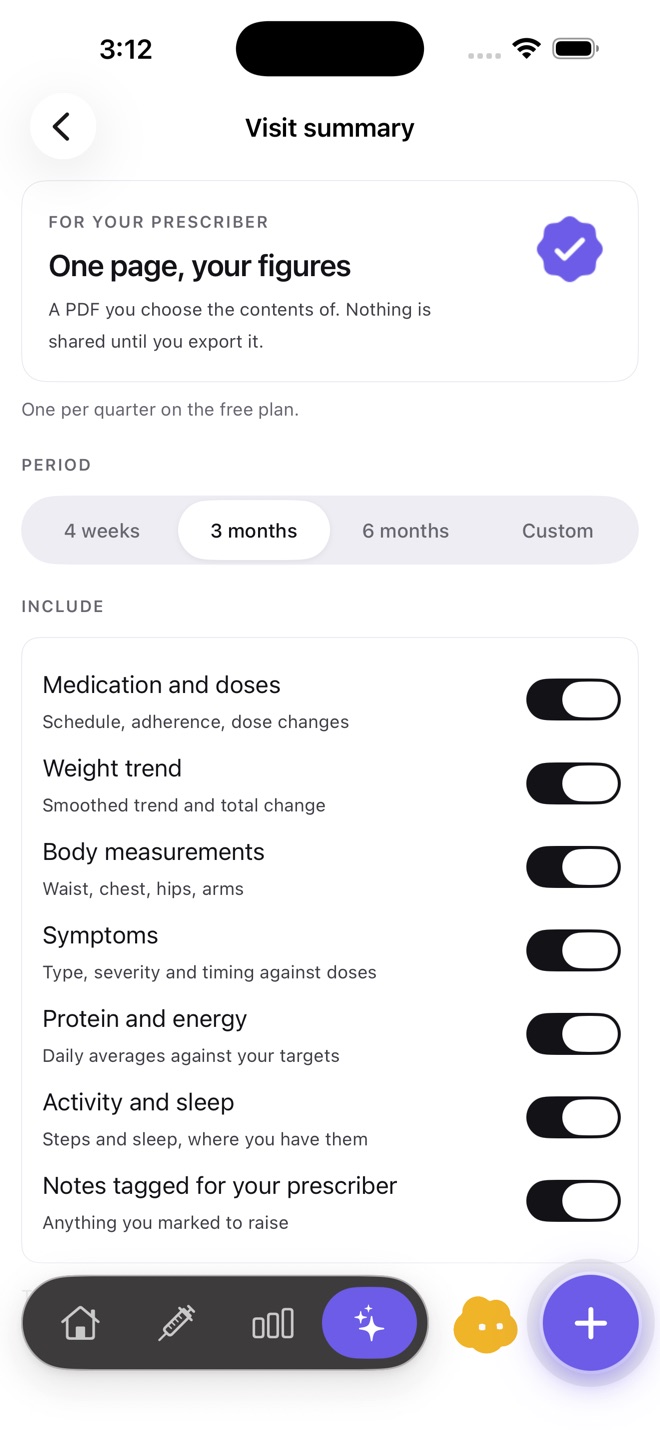
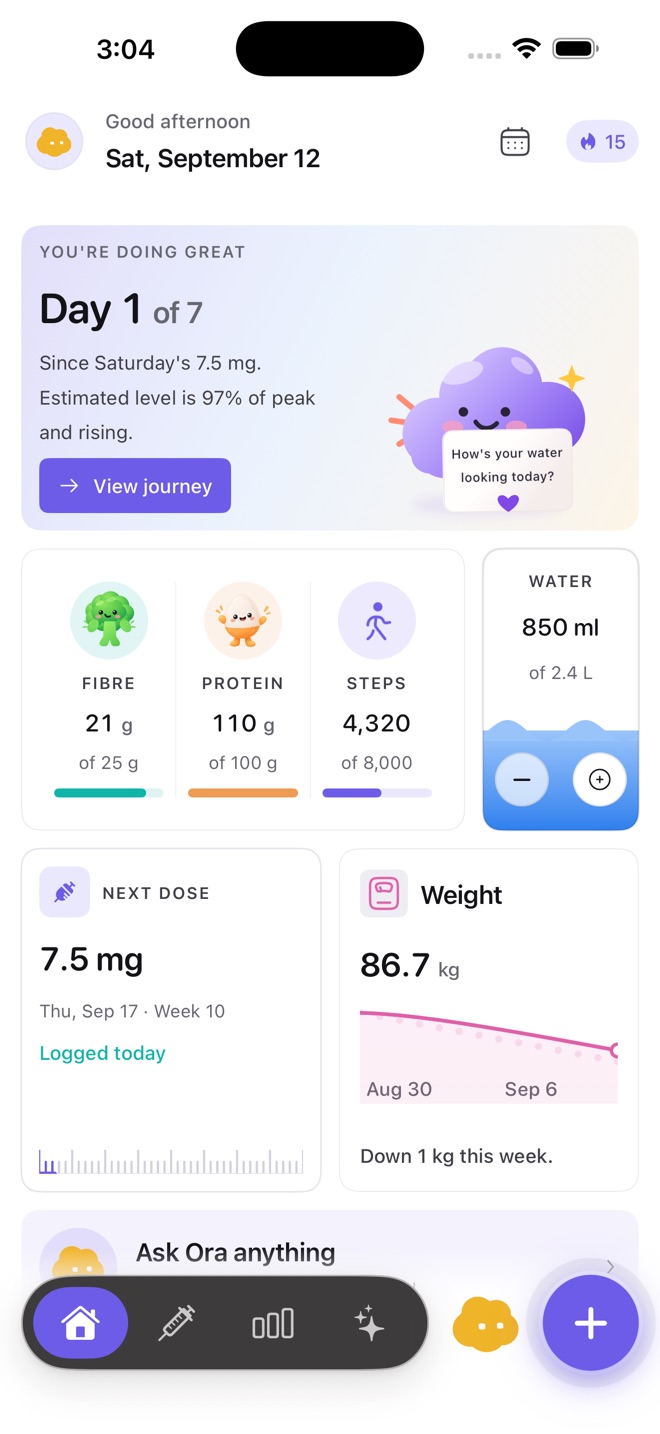
In Cafeity, Settings → Export creates a single JSON file with every record you have logged, with a CSV copy of each record type inside it. The Visit Summary makes a PDF for any period you choose. If you delete your account, Cafeity deletes your log from its servers and from the device, along with your saved Visit Summaries, so the delete screen offers "Export my data first".
Importing from another app isn't available in Cafeity yet. If you are moving to Cafeity, keep your old app's export somewhere safe, and bring the PDF from it to your next appointment alongside Cafeity's summary.
Keeping a record of it
Cafeity's export is in open formats and never locked behind a plan: nothing you log is deleted to enforce a plan limit, and the Visit Summary turns any period into one readable page.
Screenshots: Cafeity for iPhone, version 1.1.
Common questions
How do I export my GLP-1 tracker data?
How do I export Apple Health data?
Can I move my GLP-1 data from one app to another?
What if my app has no export option?
Does deleting an app delete my account?
Can Cafeity import data from another app?
Sources
- Regulation (EU) 2016/679, the General Data Protection Regulation — Article 20, right to data portability EUR-Lex, Official Journal of the European Union
- Share your data in Health on iPhone (export all health data in XML format) Apple Support, iPhone User Guide
- Cancel a subscription from Apple Apple Support
- Offering account deletion in your app Apple Developer
- Frequently asked questions: your rights under the California Consumer Privacy Act California Privacy Protection Agency
Written by the Cafeity team from the sources listed here. Figures from prescribing information are quoted as the label states them; trial results are averages from those trials, not predictions for any one person. This page has not yet been reviewed by a clinician — see the editorial policy for how pages are researched and corrected.