
Apple Health: what is read and written
| Data | Read | Write | Why |
|---|---|---|---|
| Weight | Yes | Yes | So your weight stays in sync |
| Height | Yes | — | To pre-fill it instead of asking |
| Body fat and lean mass | Yes | Yes | To show them alongside weight |
| Waist | Yes | Yes | So measurements stay in sync |
| Food: energy, protein, carbohydrate, fat, fibre, water | — | Yes | To write what you log into Health |
| Steps, active energy, exercise time | Yes | — | To show activity next to everything else |
| Sleep | Yes | — | To fill in sleep instead of asking you to log it |
Cafeity writes only values you entered directly. The smoothed weight trend, the estimated medication level and AI food estimates are never written to Apple Health. If you decline access, every value has a manual entry path.
Widgets
| Widget | Shows |
|---|---|
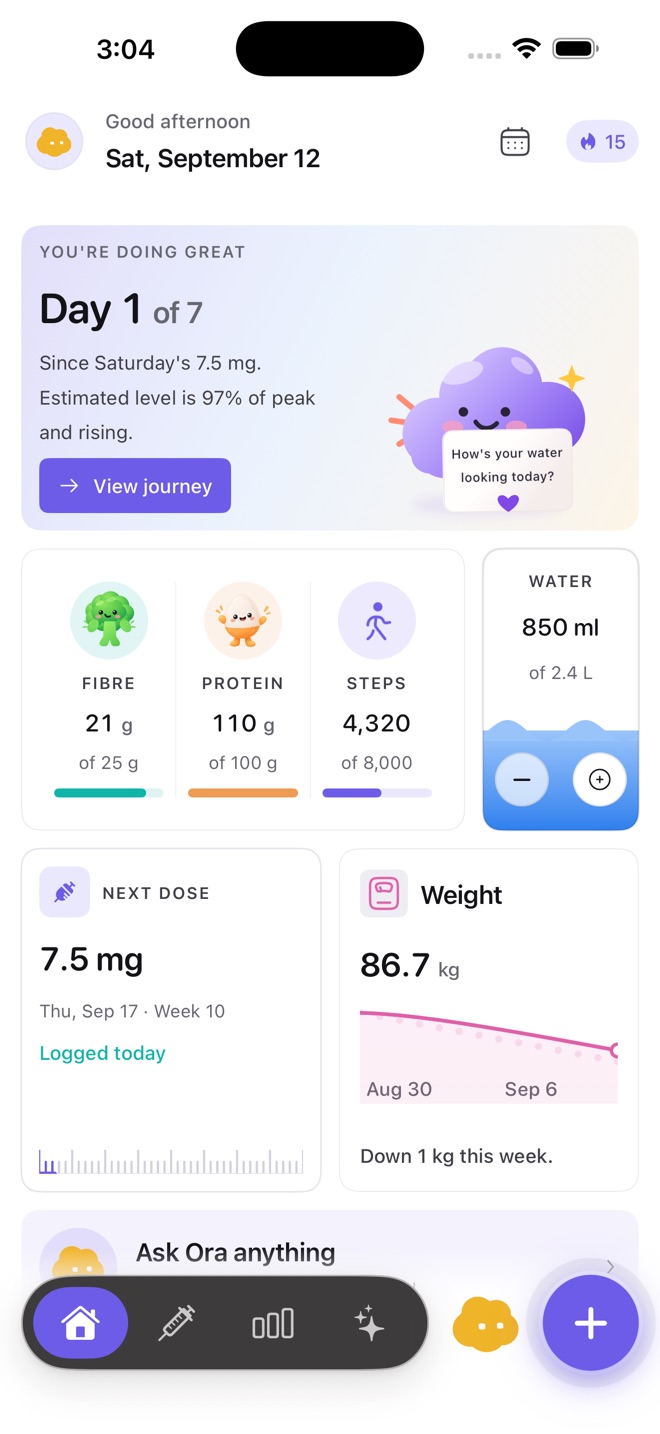
| Today | Protein, fibre, water and your next dose |
| Next dose | When your next dose is scheduled |
| Protein | Today's protein against your target |
| Ora | Today's daily note from Ora |
Reminders
You can turn on a dose reminder for the schedule you set, and water reminders through the day. Reminders are always ones you ask for: Cafeity never decides a dose day or time for you, and it never nudges you to take or skip anything.
Privacy
Health data stays on your device and in your own account under per-record permissions; it is never stored in iCloud, never sold and never used for advertising. See the privacy policy and security practices.
Common questions
Does Cafeity work with my smart scale?
If your scale writes weight, body fat or lean mass to Apple Health, Cafeity can read it from there.
Are widgets and Apple Health free?
Yes — Apple Health sync, widgets and export are part of the free plan.
Does Cafeity support Oura or other wearables directly?
Not directly. Cafeity reads activity and sleep through Apple Health, so a device that writes to Health can feed it.